
Dashboard Overview
Applies to: All
Overview
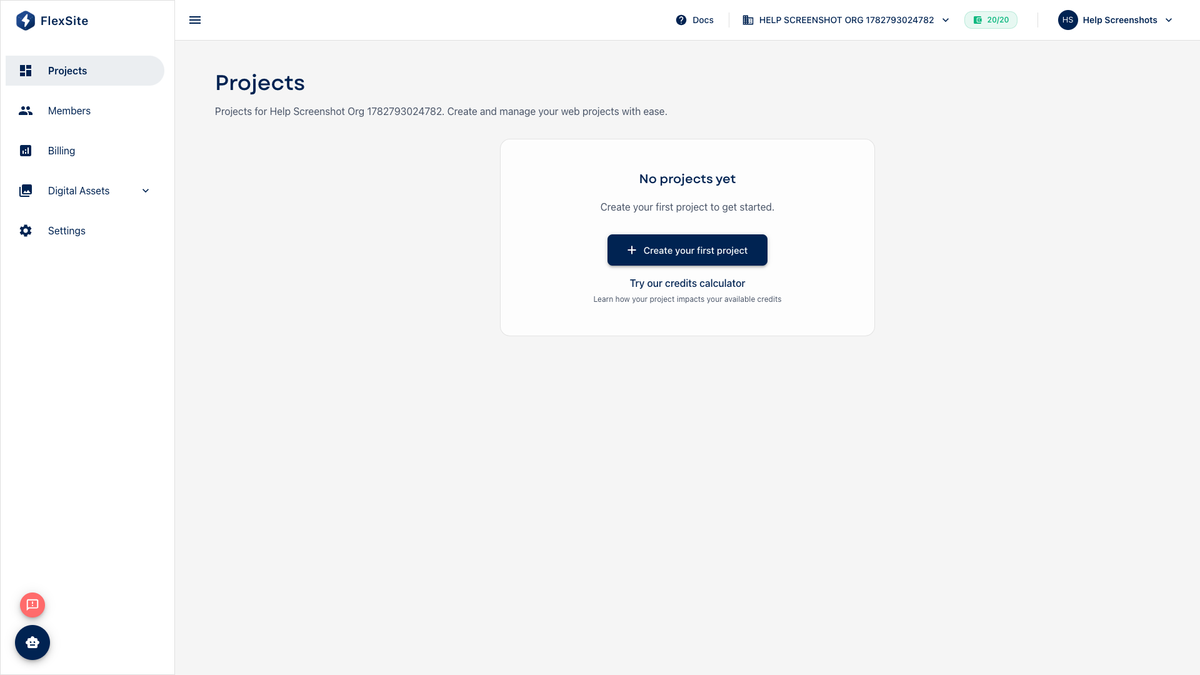
After you sign in, Projects is your home screen. It lists every website (project) in the current organization and is the starting point for creating new sites or opening an existing one.
What is an organization?
An organization is the billing and team container for your work in FlexSite. Everyone who should share the same websites and invoice belongs in the same organization. You might have one org for your company, or several if you manage separate clients.
What you see on Projects
- Project cards — each card is one website, with a label showing its type (Atom, Codeless, or FlexLab).
- Status information — whether environments are healthy, still building, or need attention.
- Plan and credits — reminders tied to Billing (especially on TRIAL accounts with limited credits).
- New Project — starts the guided wizard to create another website.
- Create Atom Site — a shortcut for first-time users who want an AI-built site quickly.
Steps — a typical visit
- Sign in to FlexSite (you land on Projects for your default organization).
- Check the organization name in the top bar — switch orgs here if you manage more than one.
- Scan project cards for warning badges or “provisioning” states before you demo a site to stakeholders.
- Click a project title to open that site’s Overview.
- Use the sidebar for org-wide tasks: invite people (Members), pay or upgrade (Billing), upload shared images (Digital Assets), or get help (Support on paid plans).
Who sees what
- Organization owners and admins usually see Billing and Settings.
- Project roles (set under Team) control who can deploy, change domains, or adjust server resources — even if they are org members.
- Support appears only when the organization has an ACTIVE subscription (not TRIAL or FROZEN).